Follow ZDNET: Add us as a preferred source on Google.
ZDNET’s key takeaways
- Google Wallet has a new way to securely send money to kids.
- The kids’ balance has no card or extra account attached.
- Kids can only spend with tap-to-pay.
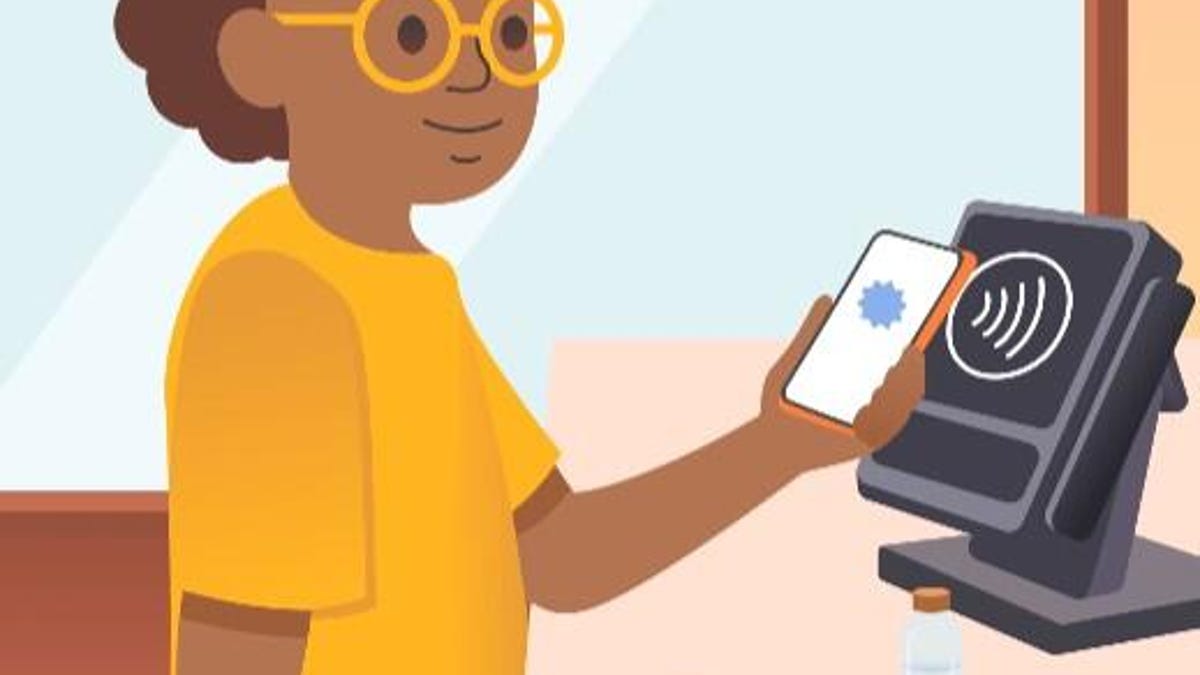
A few days ago, Google announced a new feature for Wallet — the ability to send money to a child’s Google Wallet account so they can securely spend money with the app’s tap-to-pay feature on a compatible Android phone or watch.
As a parent, I realize the struggle of needing to get money to your kids, but not always trusting them to carry cash (or not even having it in the first place to give them). Currently, my son uses a CashApp Kids card to get snacks from his school’s vending machines, and for the occasional time he’s out with friends. It works pretty well, and the only real worry is that he loses the card. (That’s why I keep a very small amount on it, only what he’ll need for that day.)
Also: The best GPS trackers for kids: Expert recommended
We decided to give the Google Wallet version a test run last weekend, and now my son doesn’t want to go back.
The first thing I noticed after setting up the account was that it works almost exactly like the CashApp. I can transfer money to my son’s account in just a few seconds, set transaction limits, track transactions in real time, and lock the balance at any time.
The first thing my son noticed was that it’s one less thing for him to carry and keep track of.
Over several stores and vending machines, the app worked perfectly. My son was able to spend his money with no trouble, and I received notifications on my device immediately listing the merchant and amount. Just to test things, he tried using his card less than 10 seconds after I locked it, and the purchase didn’t go through.
What makes Google Wallet different
One of the most important things to note is that, since there’s no physical card, Google Wallet only works via tap-to-pay. Many places have this option, but there are still a lot that don’t (notably Walmart). If your child is spending at the same spots every time (like a school vending machine) and those spots support tap-to-pay, this isn’t a problem. But if your kid might venture places where tap isn’t an option, this can be an issue.
Another big difference is that kids can’t check out online with Google Wallet — it’s in-store only. CashApp says the ability to block specific merchants or categories is coming soon, but if you’re worried about your child potentially wasting money on microtransactions in an online game, this is a big win.
Also: Samsung Wallet just got a travel feature that I hope Google Wallet copies ASAP
If you already have an option set up like CashApp, I’m not sure Google Wallet’s version is different enough to warrant changing unless your kid is adamant about not carrying a card (my kid was). But if you’re setting up your kid with their own money for the first time and you already use Google Wallet or Family Link, this is a fantastic way to safely give your kids their own money.
How to set up a Google Wallet for kids
To set up this feature, your child must be under 18 and under parental supervision through Google’s Family Link. Your child’s device must support NFC and have the Google Wallet app. Open Google Family Link on your phone, select your child, tap Google Wallet, and choose Set up a balance.