

Building a Fedora release means tracking an enormous amount of formal change proposals planned for each release cycle on a public Change Set page, where every entry carries an owner and a status.
These proposals undergo community review and require approval from the Fedora Engineering Steering Committee (FESCo), either in batches or individually, depending on their scope.
But approval only means a change is accepted for the planned release, not that it is guaranteed to ship. The beta for Fedora 45 came out last month, and several proposals that were meant for the stable release were pushed to Fedora 46.
What we have now is a release that was initially set for October 20, but was pushed back to October 27, and then again, to today, November 3, because there were some late-stage teething issues with the release.
Better Kernel Panic Handling
If you have ever hit a kernel panic on Fedora, you might have spotted a QR code on the screen. The DRM Panic component has shown it by default since Fedora 42, but scanning it only got you a raw trace that not many people can read.
Fedora 45 changes that with a web frontend for DRM Panic. Scanning the QR code with your phone now takes you to a Fedora-hosted page that walks you through what went wrong.
From there, you can start a Bugzilla report with your system details and the trace already filled in.
Inclusion of kmscon
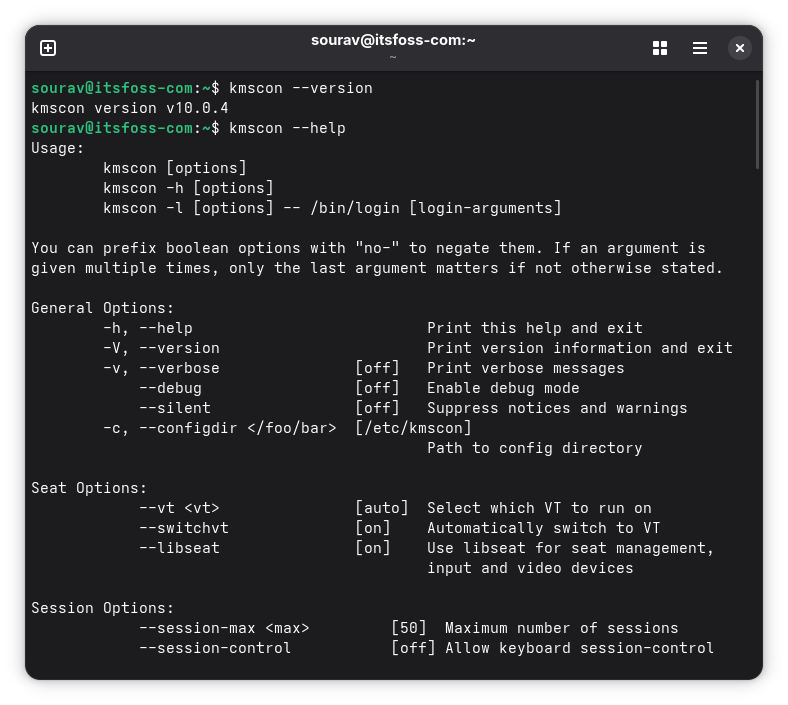
Similarly, if you have pressed Ctrl+Alt+F3 and landed on a full-screen text login, you have seen the Linux virtual console. That screen is drawn by the kernel’s fbcon, and Fedora 45 swaps it for a userspace program called kmscon.
The switch brings back scrolling, adds basic mouse support, and a crash no longer results in a kernel panic. You also get resizable fonts, better Unicode support, and the ability to use the same keyboard layout as your desktop.
Don’t worry about things breaking. If kmscon fails to launch, Fedora falls back to the old getty and fbcon setup automatically, and you can switch back yourself if you prefer.
Linux 7.2
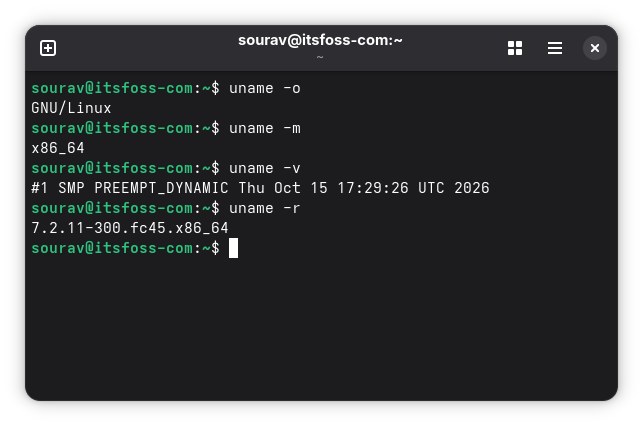
Fedora 45 ships with Linux 7.2, and a few of its changes are easy to appreciate without digging through the changelog. Radeon users get initial HDMI 2.1 support years after the HDMI Forum blocked it from the open source driver, and the new ISP4 driver completes webcam support on the HP ZBook Ultra G1a and other upcoming Ryzen laptops.
Existing laptop users get more hardware support too. The ASUS ROG Strix G16, Zephyrus G14, and TUF Gaming F16 are now supported, Lenovo laptops can limit their battery charge, and Microsoft’s 12-inch Surface Pro gets a platform driver.
Though, I must say, it’s a bit weird to see Fedora skip out on Linux 7.3, given that Ubuntu 26.10 got it in before the kernel was even officially released. Perhaps the release delay had something to do with the switch, but that’s just speculation on my part.
Linux 7.2 Arrives With Cache Aware Scheduling After More Than a Year of Work
AMD’s Radeon driver also picks up HDMI 2.1 support, and Apple M3 MacBooks can now boot the kernel.
Desktop Environment Upgrades
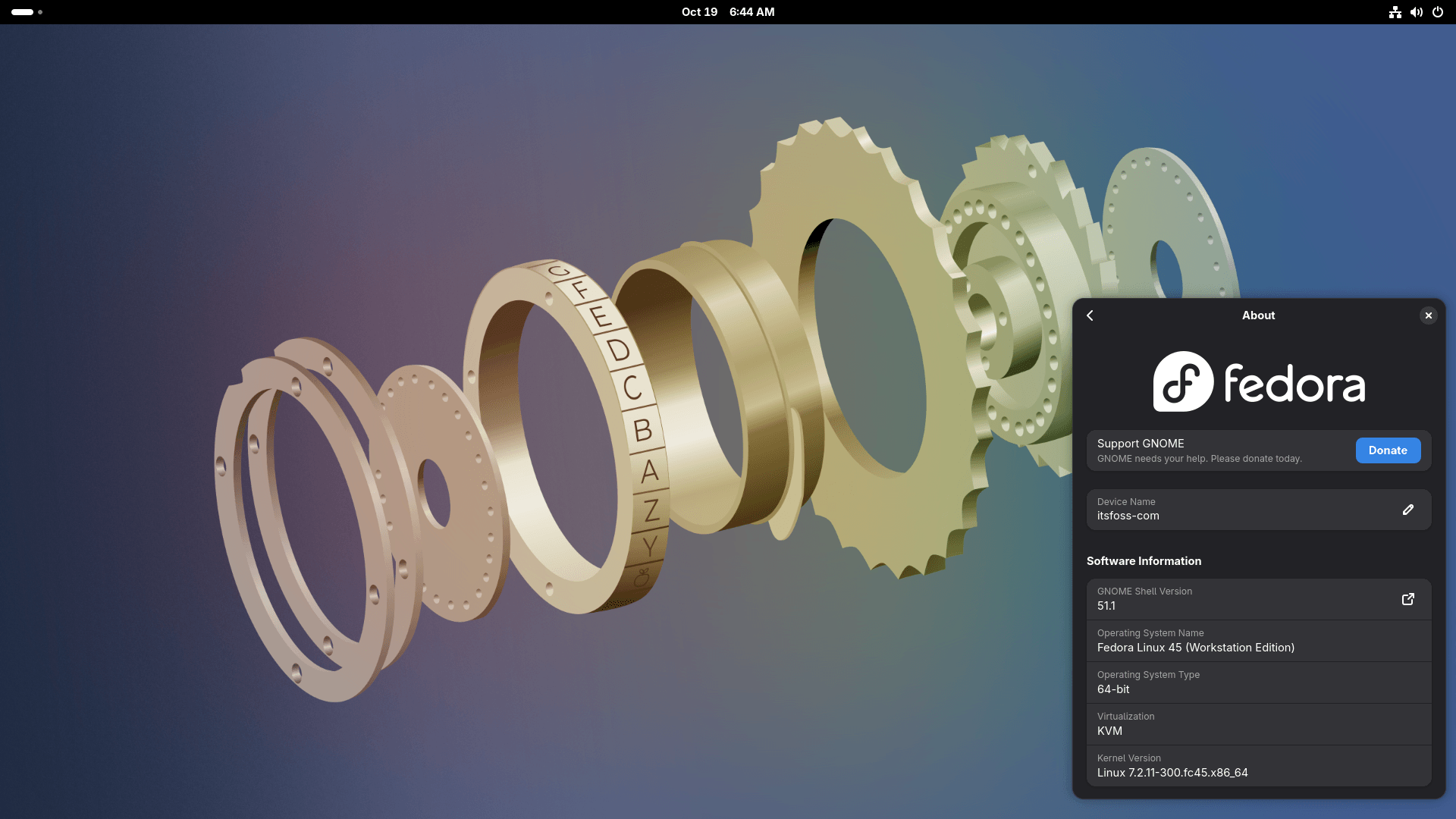
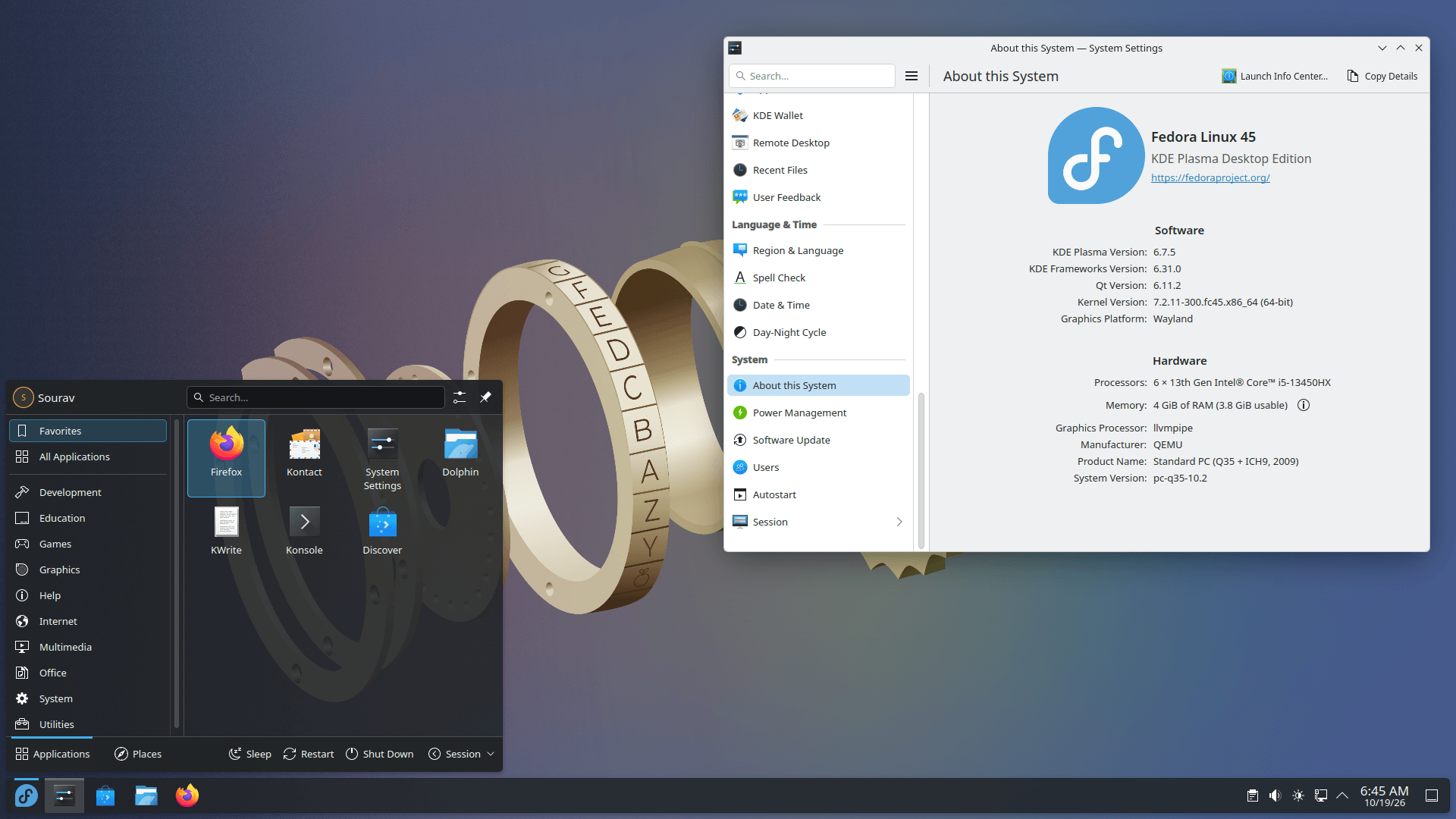
Fedora 45 Workstation and KDE Plasma Desktop.
Fedora Workstation 45 comes with GNOME 51, and its handful of practical upgrades include offline map downloads in the Maps app, a new fingerprint manager in the Users panel of Settings, and monitor brightness that is saved and restored across sessions.
The Files app picks up rename and trash options in the file previewer, and Mutter drops support for legacy NVIDIA drivers.
Fedora KDE Plasma Desktop 45 comes with Plasma 6.7, and the feature to talk about is per-screen virtual desktops. This is a useful thing for multi-monitor setups where your laptop display and external monitor no longer have to be limited to the same set of virtual displays.
Additionally, the classic Oxygen and Air themes from the KDE 4 days are back as full Global Themes, and if you have separate day and night themes set up, a new toggle in the Brightness & Color quick settings lets you switch between them.
Podman 6
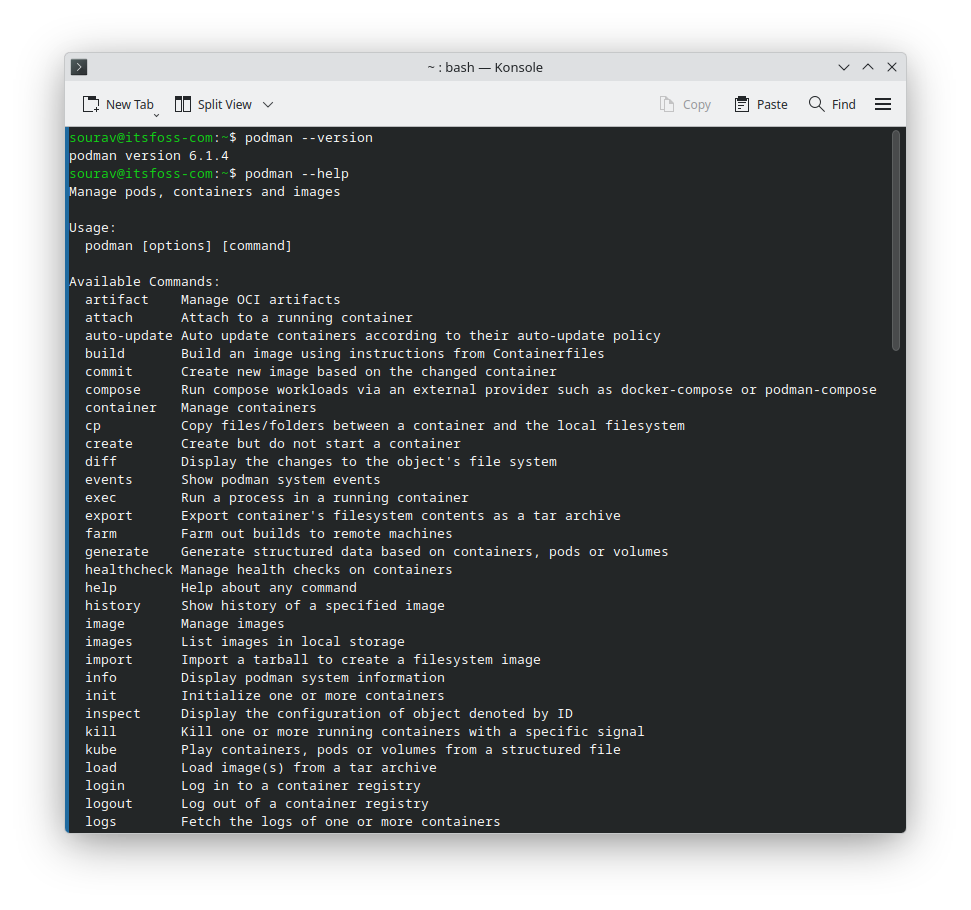
Podman is a container tool that lets you run and manage containers and pods using Docker-style commands without needing to run a daemon in the background.
With this Fedora release, Podman moves up to the 6.1.x series, and most of the significant changes come from the major 6.0 release it builds on.
That release retired slirp4netns, CNI, cgroups v1, and iptables in favor of Pasta, Netavark, cgroups v2, and nftables, and it migrates an old BoltDB database to SQLite automatically.
Beyond the removals, network isolation is now on by default, podman volume prune only clears anonymous volumes that aren’t in use, and Quadlet files live in their own subdirectories.
Podman 6.1 then adds smaller conveniences like podman volume rename, podman machine restart, and retry options for podman manifest push.
Miscellaneous Changes
Here are a few additional improvements that didn’t make it into the sections earlier:
- A new gold-colored, gears-themed default wallpaper.
- NetworkManager now has support for IPv6-mostly networks enabled by default.
- Stratis storage can now be used during installation, with support in both Kickstart files and the Anaconda WebUI’s manual partitioning.
- Fedora Atomic Desktops, such as Silverblue and Kinoite, switch from the old GTK-based Anaconda installer to the new WebUI one.
- For confidential computing on UEFI systems, there’s a new stripped-down GRUB package that can quickly boot Unified Kernel Images while the regular GRUB stays in place.
- A slow move away from GnuPG with a new RPM macro that uses Sequoia by default and brings post-quantum cryptography support.
📥 Download Fedora 45
You can get the stable release from the official website. Pick the image that suits your use case, and expect there to be some minor breakage that could affect your machine.
Enjoyed this update? Support independent Linux news coverage
It’s FOSS has been helping people use Linux for the past 14 years. Help us stay independent from big tech. Become a Plus member, enjoy ad-free reading and get 5 eBooks.
Skip the AI slop and SEO spam in your Google results
Tell Google you prefer It’s FOSS, and it will show our Linux news and tutorials, created by experienced Linux users, more often when you search. It takes just a click.
Get FOSS Weekly in your inbox

